
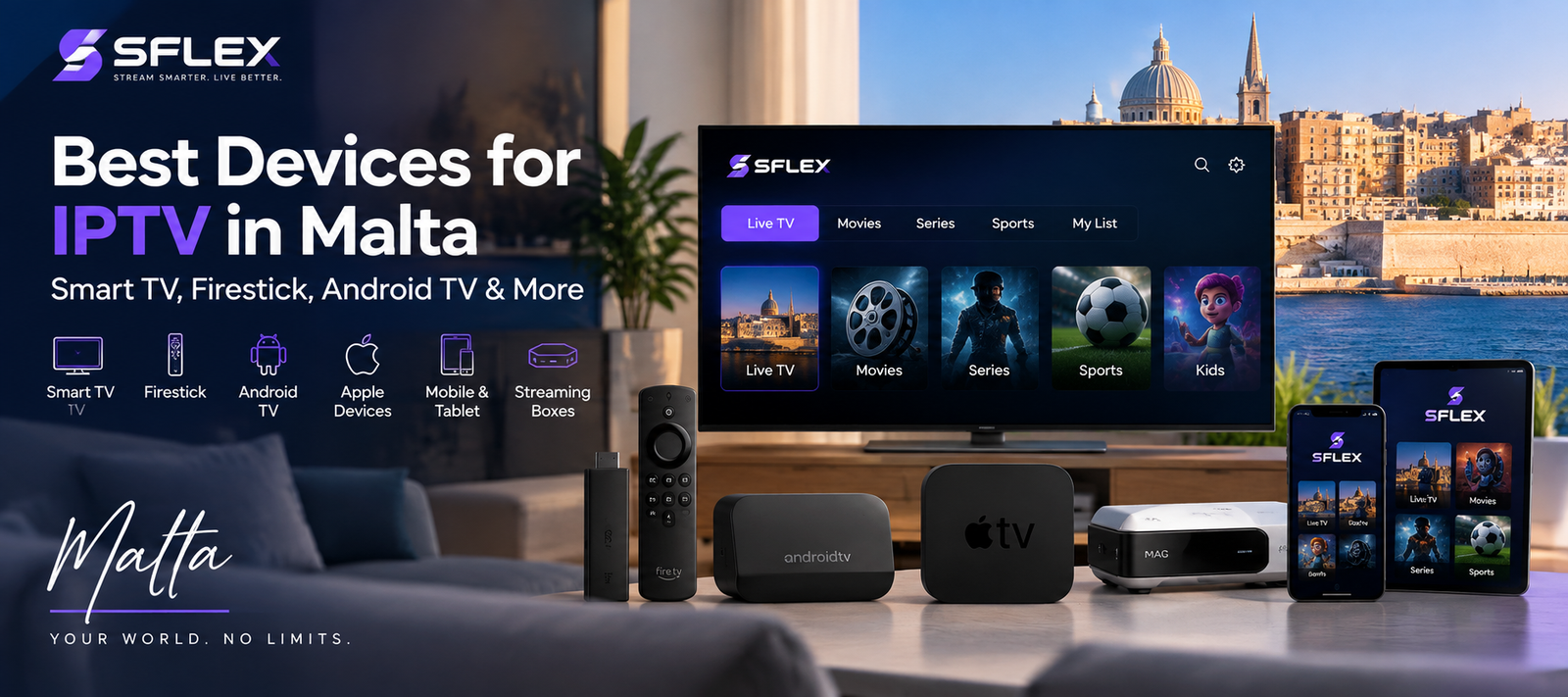
Choosing the right device can make a noticeable difference to your IPTV experience. From Smart TVs to dedicated streaming boxes, viewers in Malta have plenty of options for watching live television, sports, movies and series over an internet connection.
If you’re considering an IPTV subscription, the best device depends on your television, preferred apps, budget and how you normally watch.
This guide explains the main options and what to consider before getting started.
If you’re still looking for a service, explore IPTV Malta from SFLEX to learn more about the available subscription options.
What Do You Need to Watch IPTV?
An IPTV subscription is only part of the setup. You’ll generally need a compatible device, an internet connection and an IPTV player or application that supports the login method provided by your service.
Depending on your setup, you may be able to watch directly through your television or connect a separate streaming device.
SFLEX provides a dedicated IPTV Installation Guide Malta covering several popular devices.
Smart TVs
A Smart TV can be one of the simplest options because you may not need an additional streaming box.
Compatible televisions can run IPTV player applications directly, although available apps vary by television brand, operating system and region.
This keeps the setup clean: install a compatible application, enter the subscription details provided by your IPTV service and start streaming.
Who Is a Smart TV Best For?
A Smart TV setup can make sense if you already own a relatively recent television and want to avoid connecting another device.
However, older Smart TVs may have slower processors or limited app availability. In those situations, an external streaming device may provide a smoother experience.
Amazon Fire TV and Firestick
Amazon Fire TV devices are another popular way to turn a television into a streaming setup.
A Firestick connects to an HDMI port and provides its own operating system and app environment. This can be particularly useful when the television itself doesn’t support the IPTV player you want to use.
The compact size also makes streaming sticks convenient for people who want an easy-to-move setup.
For setup instructions, use our IPTV Installation Guide Malta and select the Amazon Firestick option.
Android TV and Android Boxes
Android TV devices provide considerable flexibility because they support a broad range of streaming applications.
Some televisions have Android TV or Google TV built in. Alternatively, an Android-based streaming box can be connected to a television through HDMI.
This makes Android a useful choice for viewers who want more control over which IPTV player they use.
Performance can vary considerably between devices, though. A modern, well-supported Android TV device will generally provide a better experience than a very cheap box with limited memory and an outdated version of Android.
NVIDIA Shield
The NVIDIA Shield is an Android TV-based streaming device designed for users who want more processing power than a basic streaming stick.
Its additional performance can be useful for households that use the same device for several types of streaming and entertainment.
However, not everyone needs a premium streaming box solely for IPTV. If your existing Smart TV or Fire TV device performs well, upgrading may provide little practical benefit.
Apple Devices
IPTV can also be watched through compatible Apple devices when an appropriate player is available.
Depending on your setup, that can include an iPhone, iPad or Apple TV.
This is convenient for people already using Apple’s ecosystem and who want their streaming setup to fit alongside their existing devices.
MAG and Formuler Boxes
Dedicated IPTV-oriented boxes such as MAG and Formuler devices provide another option.
Unlike a general-purpose Smart TV, these boxes are designed around television and streaming interfaces. They may appeal to viewers who prefer navigating content with a traditional remote-control experience.
Before purchasing a dedicated box, check that it supports the setup method required by your subscription.
Smartphone and Tablet
You don’t necessarily need to watch IPTV on a television.
Compatible Android phones, Android tablets, iPhones and iPads can provide a portable option for streaming.
Mobile devices are particularly useful for testing a service before configuring it on the main television.
SFLEX offers an IPTV Trial Malta page if you want to test the service and device compatibility before selecting a paid subscription.
Which IPTV Device Should You Choose?
There isn’t one device that is automatically right for everyone.
If your current Smart TV supports a suitable player and performs well, using the television directly may be the simplest solution.
If your TV has limited applications or feels slow, a Fire TV or Android TV device can add a separate streaming platform without replacing the television.
Meanwhile, users who want a more powerful setup may prefer devices such as NVIDIA Shield or a dedicated streaming box.
Consider four things before choosing:
- Whether your preferred IPTV player is supported
- Device performance and available storage
- Wi-Fi or Ethernet connectivity
- How easy the interface is to use with a remote control
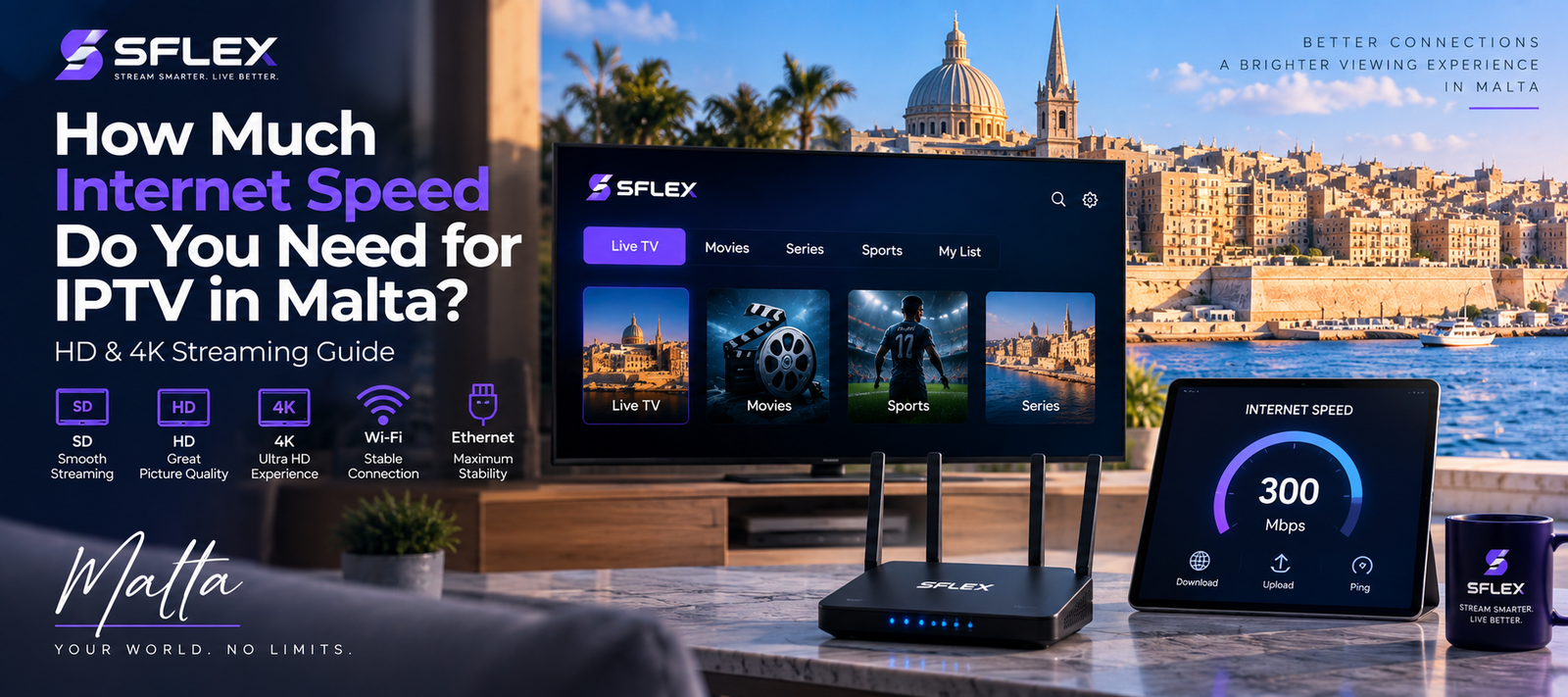
Does Your Internet Connection Matter?
Yes. Even a powerful streaming device cannot compensate for an unstable internet connection.
The bandwidth required depends on factors such as stream quality, network congestion and how many devices are using your connection simultaneously.
Where possible, position Wi-Fi devices close to the router or consider Ethernet for devices that support a wired connection.
For HD and 4K content, connection stability can be just as important as headline download speed.
Can You Test IPTV Before Choosing a Device?
If you already own one or more compatible devices, testing the service first can help you determine which setup works best in your home.
For example, you might test playback on your Smart TV and then compare it with a Fire TV or Android device.
You can request an IPTV Trial in Malta to check SFLEX on a compatible device before choosing a subscription.
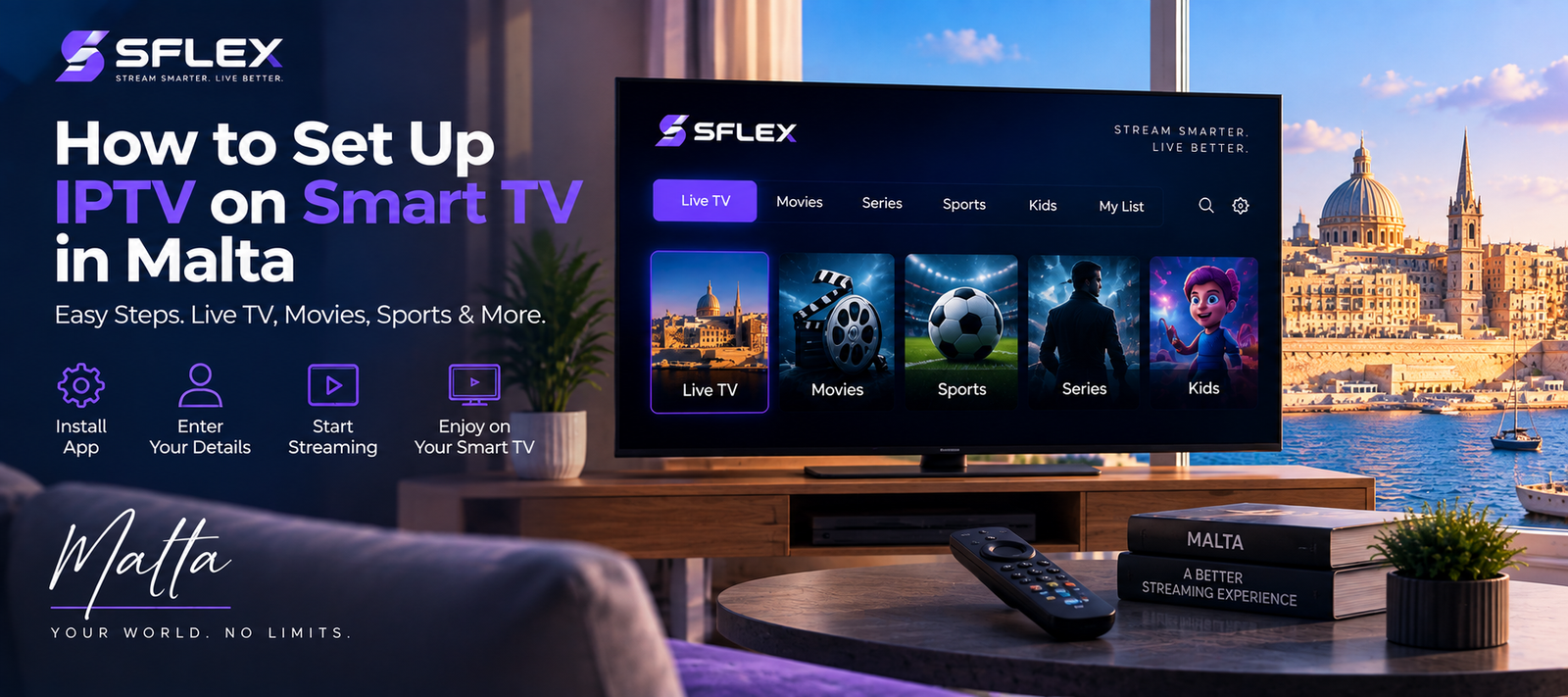
How to Set Up IPTV in Malta
Once you’ve chosen your device, the basic process is straightforward.
First, install a compatible IPTV player. Next, enter the account information supplied with your subscription. Finally, allow the application to load your available content and test playback.
The exact steps differ between devices.
Follow the SFLEX IPTV Installation Guide for Malta for device-specific instructions.
Frequently Asked Questions
What is the best device for IPTV in Malta?
The best option depends on the devices you already own and the applications they support. Smart TVs offer a simple setup, while Fire TV and Android TV devices can provide greater flexibility when a television has limited app support.
Can I use IPTV directly on a Smart TV?
Many Smart TVs support compatible IPTV player applications. Availability depends on the television’s brand, operating system, app store and region.
Can I use a Firestick for IPTV?
A Fire TV Stick can run compatible IPTV applications and connects directly to your television through HDMI.
Can I watch IPTV on my phone?
Compatible IPTV players are available for many Android and Apple mobile devices, making smartphones and tablets useful for portable viewing.
Should I use Wi-Fi or Ethernet?
Both can work. Ethernet can provide a more consistent connection when supported, while a strong modern Wi-Fi connection may be sufficient for many streaming setups.
Start Streaming With SFLEX
Choosing a suitable device is the first step toward a smoother streaming experience.
Once your setup is ready, explore SFLEX IPTV Malta for subscription options, or request a 24-hour IPTV trial in Malta to test the service before subscribing.

[…] IPTV Channels in Malta […]