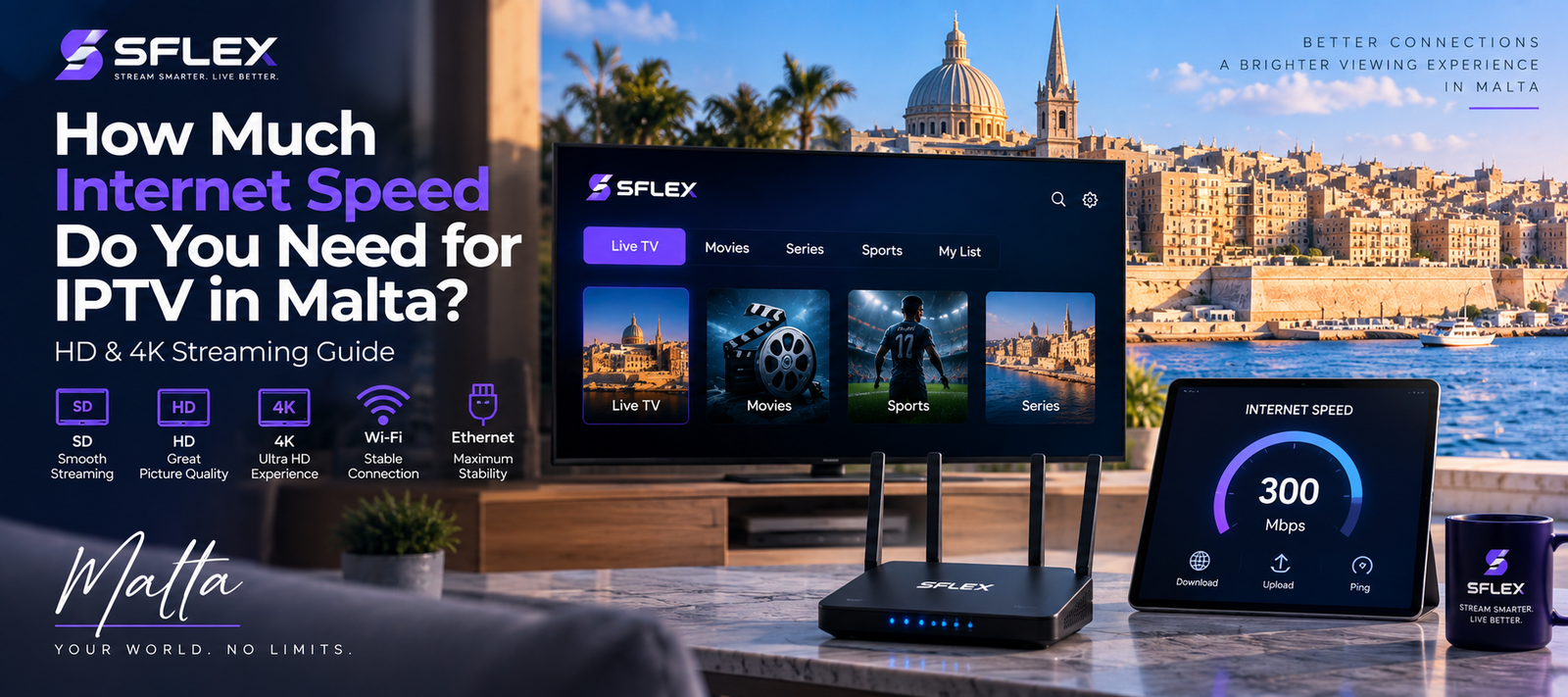
A stable internet connection is one of the most important parts of a good IPTV experience. Even with a modern Smart TV or streaming device, an unstable network can lead to buffering, slow channel loading or reduced picture quality.
For viewers in Malta, the amount of internet speed you need depends on several factors, including the quality of the stream, your device, your home network and how many people are using the connection at the same time.
If you’re considering IPTV in Malta, understanding these factors can help you prepare your setup before you start streaming.
Does IPTV Require Fast Internet?
IPTV delivers television content through an internet connection rather than a traditional satellite or cable signal. Therefore, your connection needs enough available bandwidth to receive the video stream consistently.
However, raw download speed isn’t the only thing that matters.
A fast connection can still produce an inconsistent streaming experience when Wi-Fi coverage is weak, the network is congested or the streaming device has connectivity problems.
For that reason, connection stability is just as important as speed.
How Much Speed Does HD IPTV Need?
HD video requires less bandwidth than 4K video, but the exact amount varies according to the stream itself.
Rather than treating one particular Mbps number as a guarantee, consider whether your internet connection can maintain enough available bandwidth while other devices in your home are also online.
For example, someone might be watching IPTV while another person is streaming video, downloading a game or making a video call.
In that situation, your total household bandwidth matters more than the IPTV stream alone.
What About 4K IPTV Streaming?
4K video generally requires significantly more bandwidth than lower-resolution content.
In addition, 4K playback can place greater demands on your streaming hardware.
If you want to watch high-resolution content, make sure you have:
- A stable broadband connection
- A compatible 4K television or display
- A streaming device capable of handling the resolution
- Strong Wi-Fi or Ethernet connectivity
- An IPTV player compatible with your device
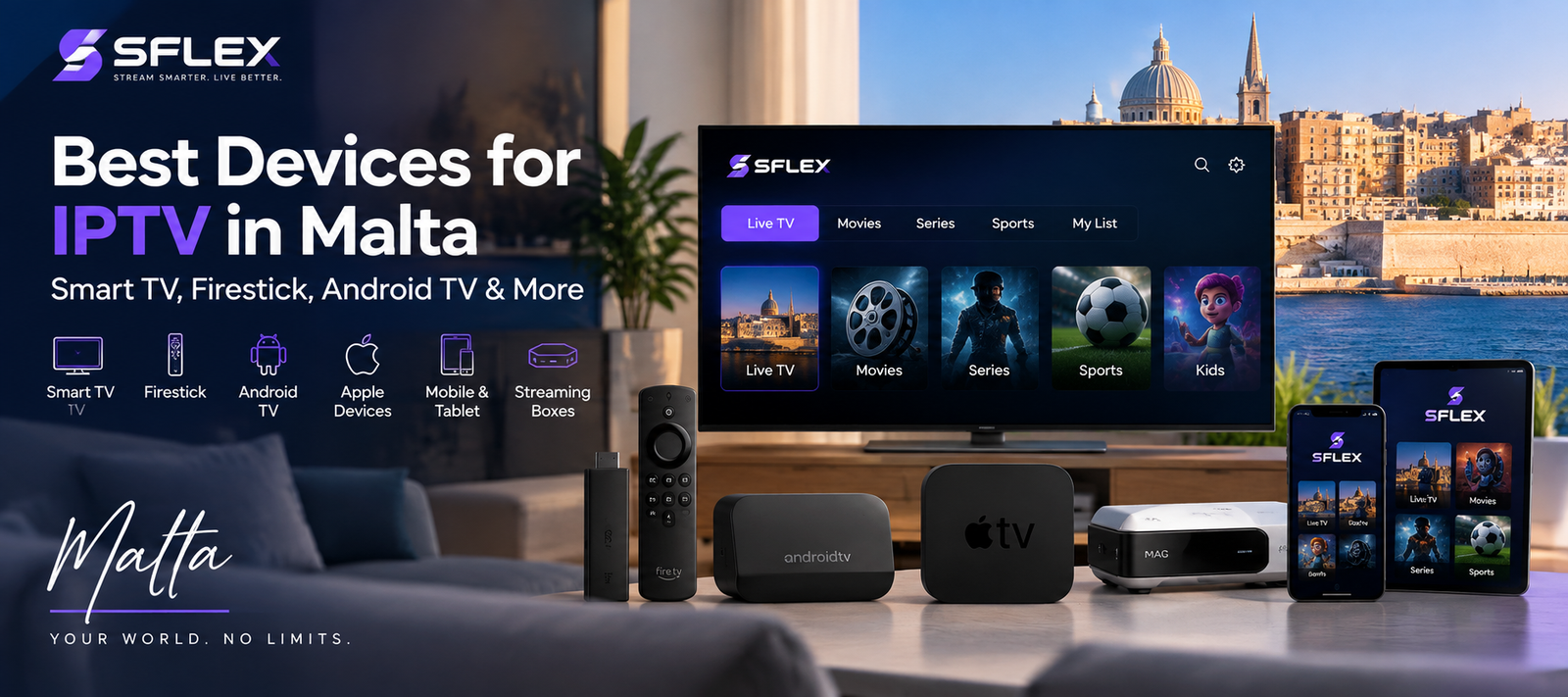
If you’re unsure which hardware to use, read our guide to the best devices for IPTV in Malta.
Why Does IPTV Buffer Even With Fast Internet?
Having a fast broadband package doesn’t automatically eliminate buffering.
Several other factors can affect streaming.
Weak Wi-Fi Signal
Your router may provide excellent speeds nearby but a much weaker connection in another room.
Walls, distance and interference from other wireless networks can reduce Wi-Fi performance.
If your television is far from the router, try testing the connection closer to it or consider a wired connection where practical.
Too Many Connected Devices
Modern homes can have dozens of connected devices.
Smartphones, laptops, tablets, televisions, game consoles and smart-home equipment can all share the same internet connection.
If several devices are downloading or streaming simultaneously, less bandwidth may be available for IPTV.
Streaming Device Performance
Sometimes the internet connection isn’t the problem.
Older Smart TVs and inexpensive streaming boxes can have limited processors, memory or networking hardware. As a result, the device itself may struggle even when the broadband connection is performing normally.
A separate Fire TV, Android TV device or another compatible streaming box may provide a better experience in some situations.
Wi-Fi Interference
Wireless networks can be affected by neighbouring networks and other devices using similar frequencies.
Changing router placement or using a different Wi-Fi band can sometimes improve connection stability.
Wi-Fi vs Ethernet for IPTV
Both Wi-Fi and Ethernet can work for IPTV, but they have different advantages.
Wi-Fi
Wi-Fi is convenient because no cable needs to run between your router and television.
A strong modern Wi-Fi connection may provide excellent streaming performance, particularly when the device is reasonably close to the router.
However, wireless performance can vary according to distance and interference.
Ethernet
Ethernet connects the streaming device directly to the router with a network cable.
Where supported, this can provide a more consistent connection and reduce some of the variables associated with wireless networking.
If your IPTV device is permanently located near the router, Ethernet is worth considering.
How Can You Test Your Connection Before Subscribing?
One of the simplest ways to determine whether your setup works well is to test it under normal household conditions.
Don’t only run a speed test when nobody else is using the internet. Instead, test streaming when your household would normally be online.
This gives you a more realistic idea of how your connection performs.
SFLEX offers an IPTV Trial Malta option that lets you test the service on a compatible device before choosing a paid subscription.
During the trial, pay attention to:
- Channel loading
- Picture stability
- HD and available higher-resolution playback
- Wi-Fi performance
- Device responsiveness
This can be more useful than relying solely on a speed-test number.
How to Improve IPTV Streaming at Home
If you’re experiencing an unstable stream, start with your home network before assuming the subscription itself is the problem.
First, restart your router and streaming device. Next, check whether other devices are heavily using the connection.
You can also move your streaming device closer to the router or test Ethernet if your hardware supports it.
Additionally, make sure your IPTV application and streaming device software are up to date.
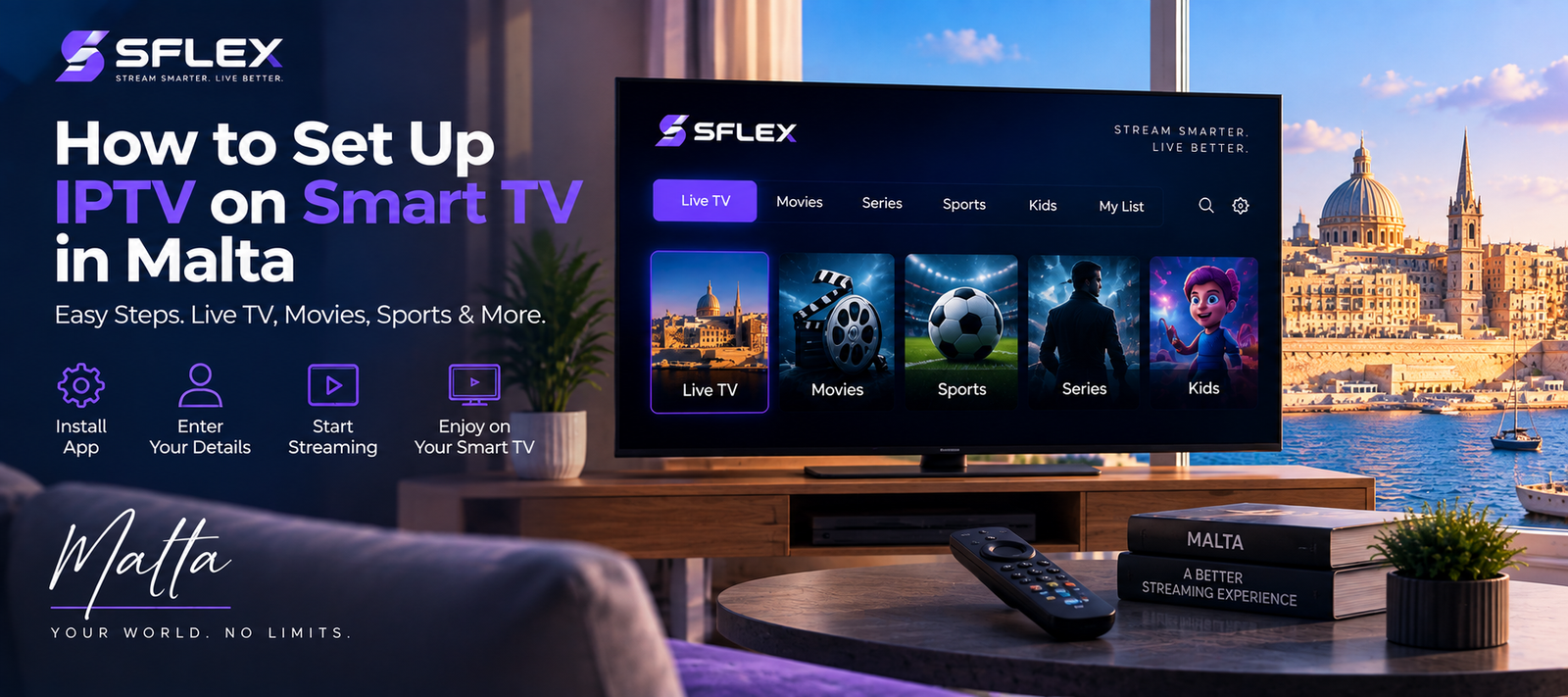
If you’re having trouble configuring your device, follow the IPTV Installation Guide Malta for setup instructions.
Does Your IPTV Device Affect Internet Performance?
Yes. Two devices connected to the same network can sometimes deliver different streaming experiences.
A newer streaming box may have better Wi-Fi hardware than an older television. Likewise, a device with an Ethernet port can provide a wired option that isn’t available on some streaming sticks.
Therefore, if you have a good internet connection but consistently experience problems on one device, test the service on another compatible device.
Our best devices for IPTV in Malta guide explains the main options.
Should You Test IPTV Before Buying a Long Subscription?
Testing can be useful because every household setup is different.
Your internet provider, router, Wi-Fi coverage, television and streaming device can all affect the experience.
A trial lets you see how the service performs with your actual connection and hardware.
You can request a 24-hour IPTV trial in Malta and follow the SFLEX installation guide to configure your device.
Frequently Asked Questions
Is Wi-Fi good enough for IPTV?
A strong and stable Wi-Fi connection can work well for IPTV. Performance depends on signal strength, interference, your router and the distance between the router and streaming device.
Is Ethernet better for IPTV?
Ethernet can provide a more consistent connection because the streaming device connects directly to the router. However, good-quality Wi-Fi can also provide a smooth streaming experience.
Why does IPTV buffer if my internet is fast?
Buffering can have several causes, including weak Wi-Fi, network congestion, device performance and temporary connection instability. A high advertised broadband speed doesn’t necessarily guarantee consistent performance at every device.
Does 4K need more internet speed than HD?
Generally, yes. Higher-resolution video typically uses more bandwidth than lower-resolution streams. Your device and television must also support the relevant resolution.
Can I test IPTV with my current internet connection?
Yes. Testing the service on the same device and internet connection you plan to use regularly is a practical way to evaluate performance. You can use the SFLEX IPTV Trial Malta to test your setup.
Test Your IPTV Setup in Malta
A good IPTV experience depends on more than simply having a fast broadband package. Connection stability, Wi-Fi coverage, available bandwidth and your streaming device all matter.
If you’re ready to test your setup, explore SFLEX IPTV Malta or request a free 24-hour IPTV trial before choosing a subscription.
For help getting started, follow our IPTV Installation Guide Malta